All work

DeepScan, AI security product, website and brand

Penetration testing you can talk to

DeepScan’s AI agents run security tests on their own. I designed the dashboard where people run those tests by chatting, the marketing website and the brand behind both.

Role
Product designer
Timeline
2 months, Oct–Nov 2025
Platforms
Web dashboard (desktop and mobile), website, brand
Team
2 developers and DeepScan’s founders
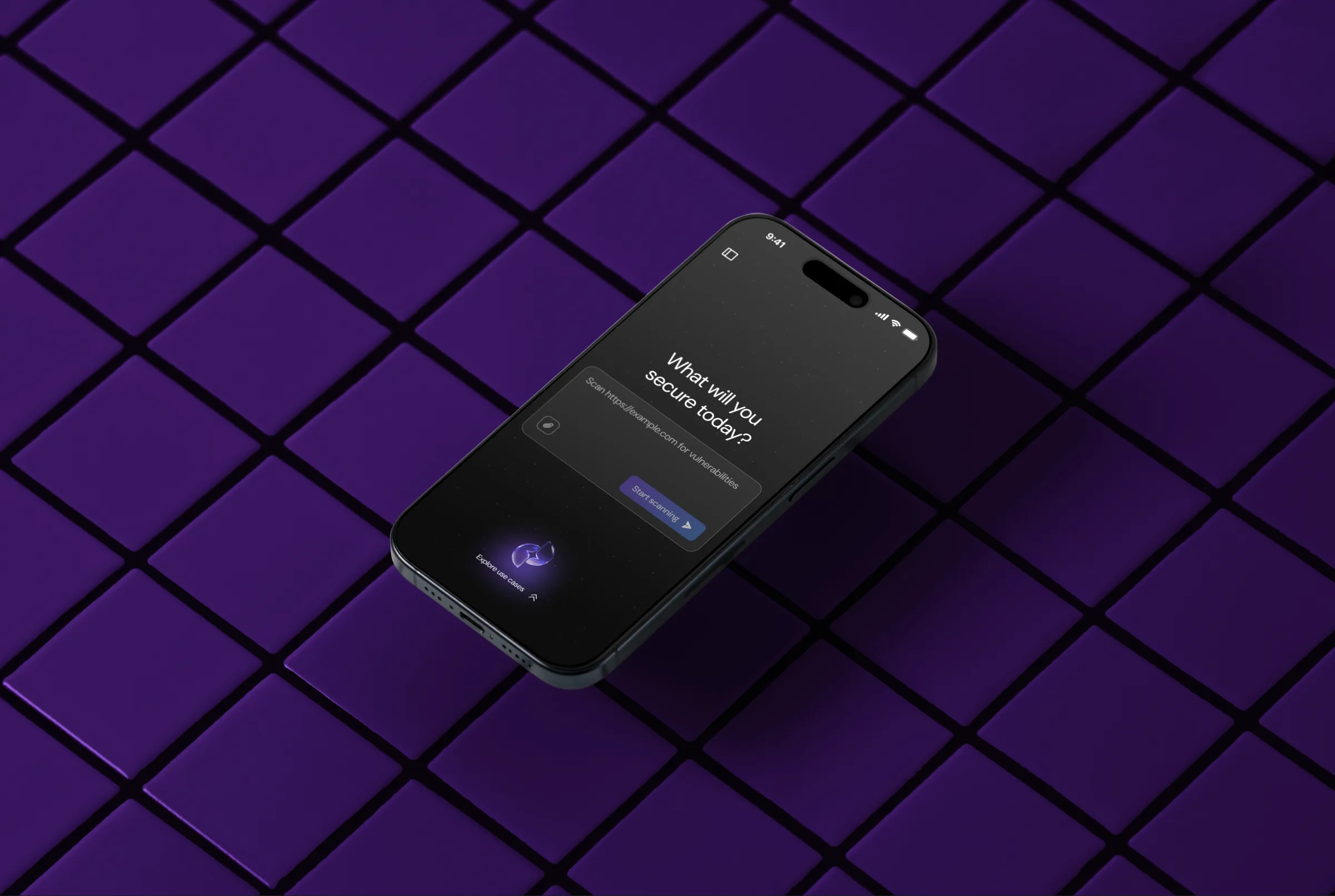
DeepScan on an iPhone lying on violet tiles, asking What will you secure today?

One prompt in, a whole security test out

Penetration testing usually needs specialists and specialist tools. DeepScan lets anyone describe what to test in plain words; AI agents do the work and show every step.

  1. 1Describe

    Type what to test, like you’d ask an expert.

  2. 2Watch

    Agents plan, run tools and explain each step live.

  3. 3Review

    Findings by severity, with evidence and a report.

Two months, three deliverables

I led design from 0 to 1: benchmarking, heuristic evaluation, information architecture, flows, wireframes, logo and brand, the design system, UI, UX writing and handoff.

From discovery to delivery

  1. DiscoveryBenchmarked 9 AI tools, reviewed the existing prototype
  2. StructureThree-panel layout, core flow, navigation
  3. WireframesAgent panel states, mobile breakpoints
  4. Visual designNew logo, dark theme, severity palette
  5. HandoffTokens, interactions, QA with developers

Benchmarked: v0, Claude, ChatGPT, Perplexity, Lovable, Rocket, Grok, Manas AI and Dora.

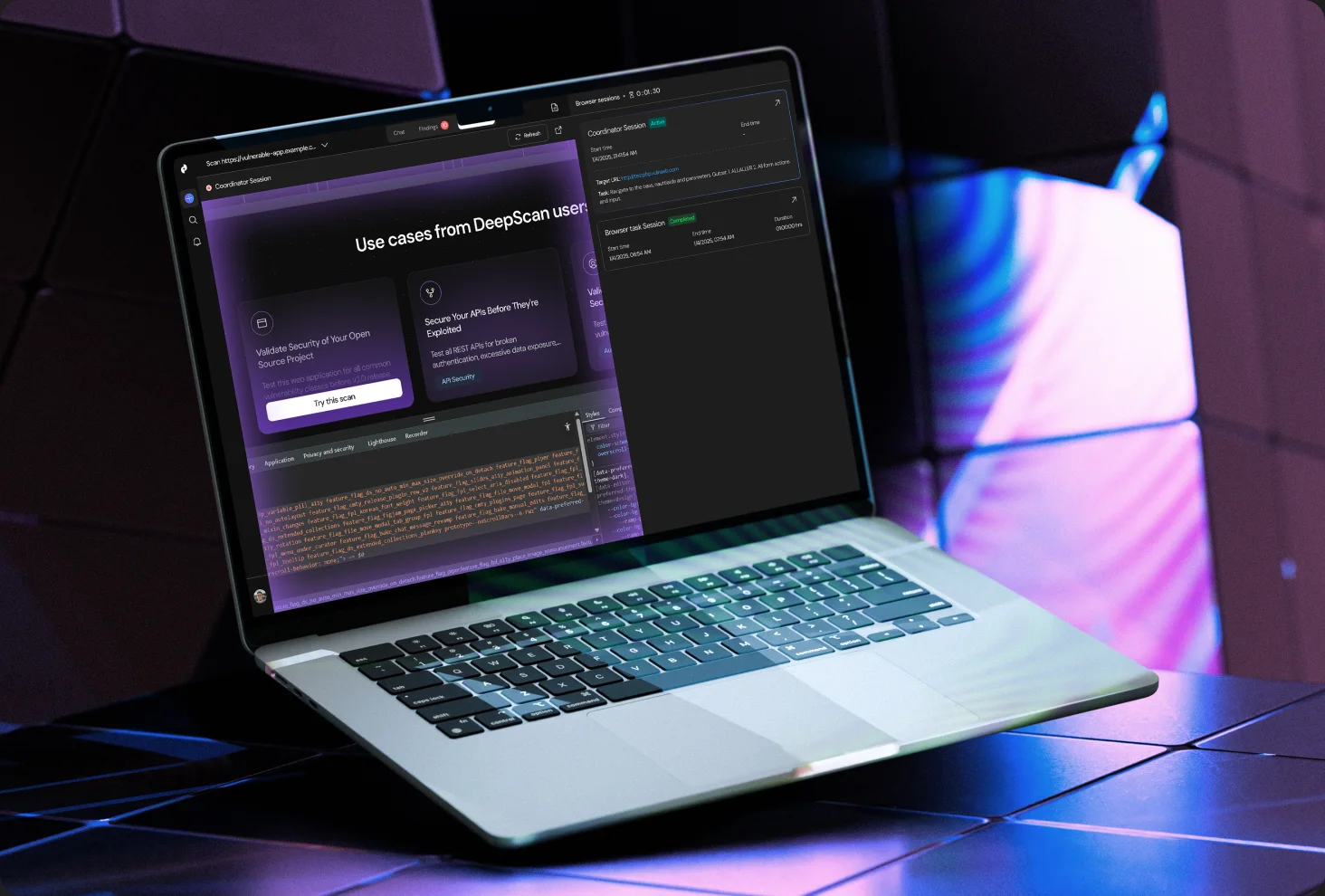
DeepScan’s dashboard on a laptop in a dark violet room, with a browser session and use cases on screen

Powerful agents, hidden behind a terminal

When I joined, the agents already worked. The prototype around them looked like a hacker movie: green text, hidden reasoning and no clear place to find the results.

Before: the original prototype

After: the redesigned dashboard

  • “What is the AI doing right now?”
  • “Which findings actually matter?”
  • “Can I prove it to an auditor?”

The three questions the redesign had to answer, drawn from the kickoff notes in the Figma file.

Show the reasoning, not just the result

Three groups read the same scan for different reasons. One product serves them all by staying simple until someone asks for depth.

  • Security professionals

    Need to verify what the AI did before they trust a result.

  • Developers

    Want to know if their code is safe, without learning pentest tools.

  • Compliance teams

    Need evidence they can export for an audit.

  1. Show the reasoning

    Every task, tool and reason is visible while the scan runs.

  2. Severity before detail

    Counts and critical issues first, the rest on demand.

  3. Proof, not just a log

    Screenshots, proof of concept and a replayable browser session.

  4. Simple by default

    A clean chat for developers; one click to the depth experts want.

One screen, three panels

Sessions

New scan, search, notifications, projects, history

Canvas

Chat · Findings · Browser

Agent activity

Tasks, tools, reasons, timer

The information architecture: the conversation stays central, while history and the agent’s reasoning sit on either side and can collapse.

The product experience

Start a scan with one sentence

  1. One question, one prompt box
  2. Start scanning, with a URL or a description
  3. Example scans for anyone unsure what to ask
  4. Past sessions and projects, one click away

Pentest tools expect specialists: flags, configs and jargon before anything runs. Open on a single plain-language prompt, with use cases for people who need a start. Anyone on the team can start a test in seconds; experts lose nothing.
Watch the agents work

The agents’ work was invisible, so nobody could tell a good result from a lucky one. A dedicated Agent Activity panel lists every task, tool call and reason as it happens, with a timer. Security professionals can audit the run; developers can simply follow along.

Severity before noise

All findings, counted by severity first.

One click narrows the list to what’s critical.

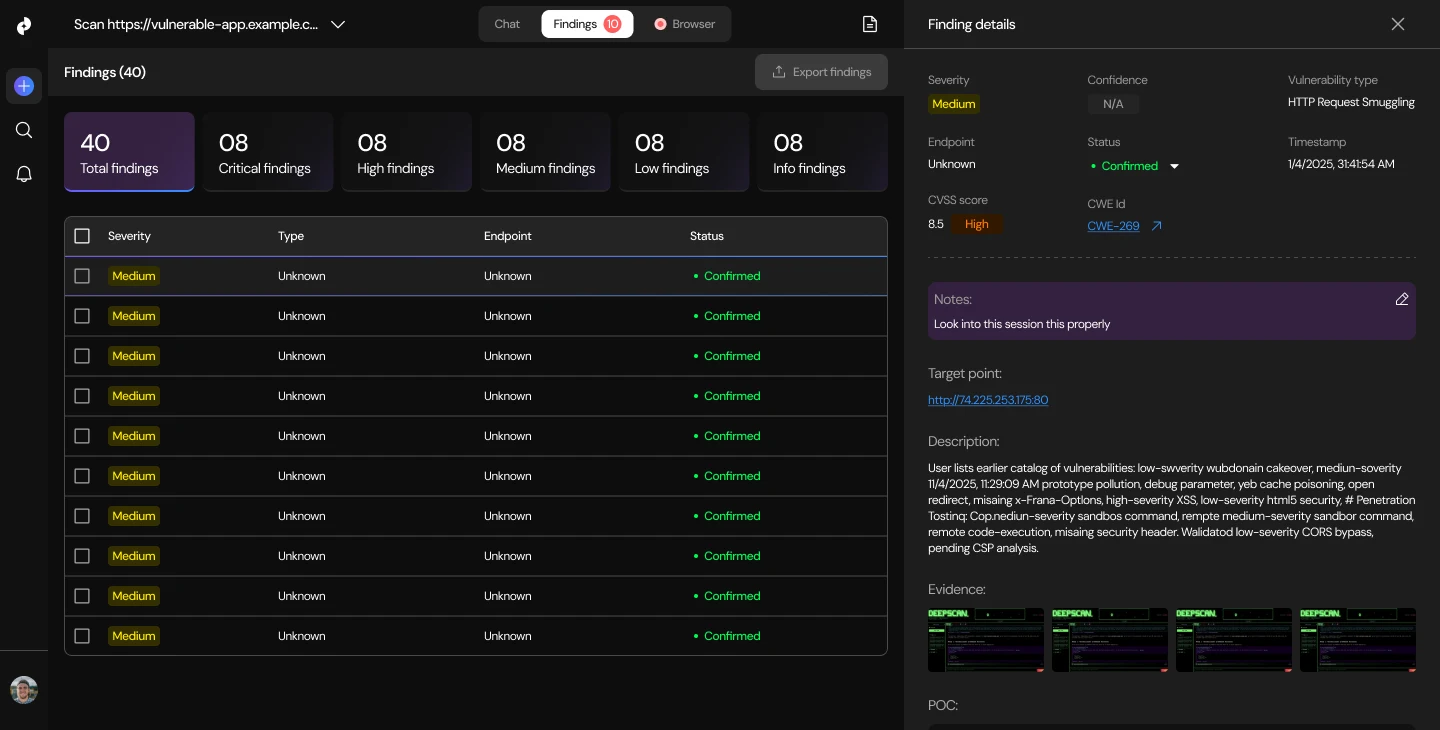
A scan can return dozens of results, and the first question is which ones matter. Lead with counts by severity, colour-code each row, and make every count a filter. Teams fix the critical issues first instead of reading the whole list.

Evidence you can act on

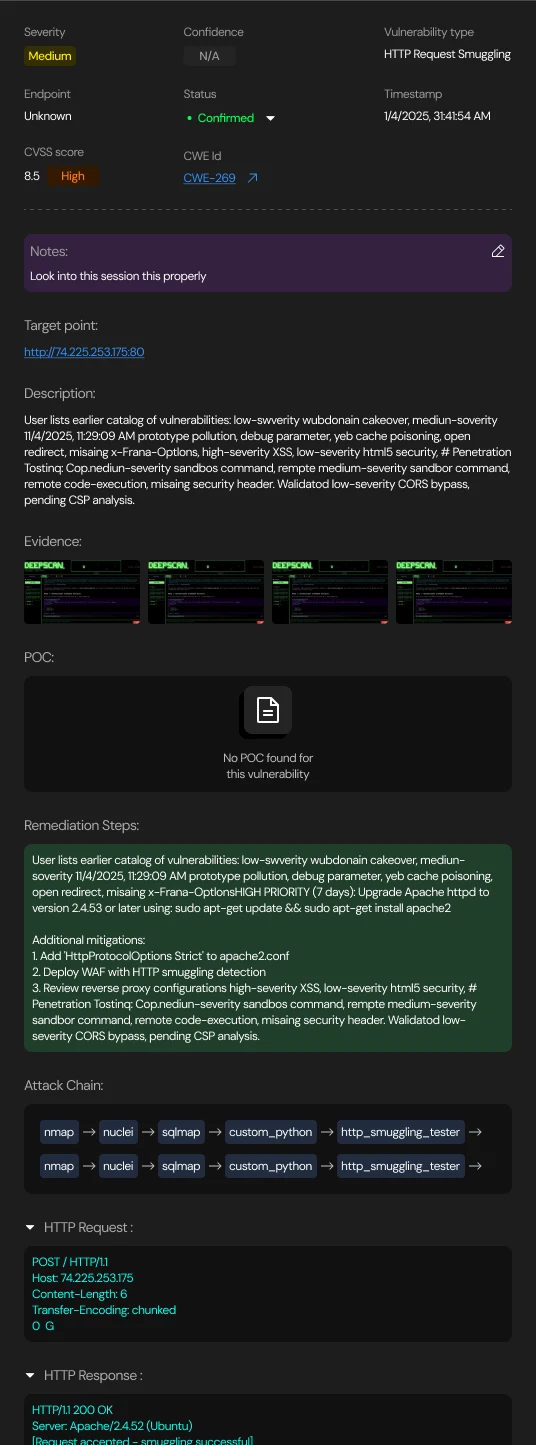
Findings: 40 total with counts by severity and a table of findings; the Finding details panel is open on the right

Swipe to see the whole screen. Scroll the details panel to see the proof of concept and remediation steps.

  1. Severity, status and confidence at the top
  2. Your own notes on the finding
  3. Screenshot evidence from the run
  4. Proof of concept, ready to copy
  5. Remediation steps

A finding without proof is just a claim. Open each finding beside the list, with evidence, proof of concept and fix together. Developers fix it and compliance files it from one place.

Proof you can replay

Logs say what happened; they don’t show it. A Browser tab with every agent session: live, timed and openable again. Anyone can see how a vulnerability was found, and auditors get a trail.

The same scan, on a phone

DeepScan on mobile: What will you secure today? with use cases below (scroll inside the screen)
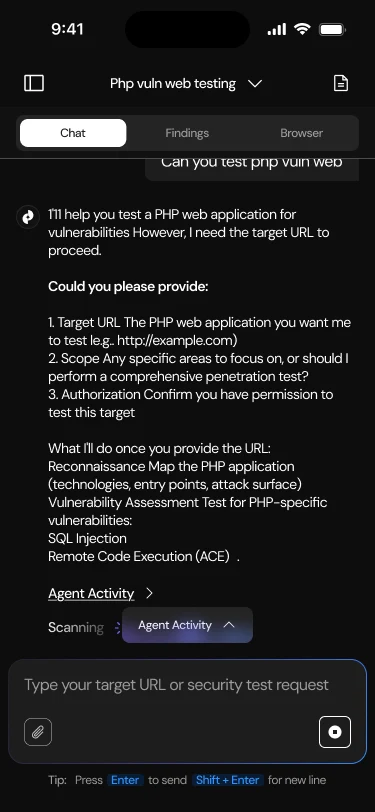
DeepScan on mobile: a scan in the chat, with Chat, Findings and Browser tabs and the Agent Activity button

People wanted to check a scan in a stand-up or before a deploy, so every view, including Agent Activity, works at phone width.

A new digital identity for DeepScan

The website had to explain AI penetration testing without fear or jargon: calm, dark and product-first, with the prompt as the hero. I designed two versions; the second went live.

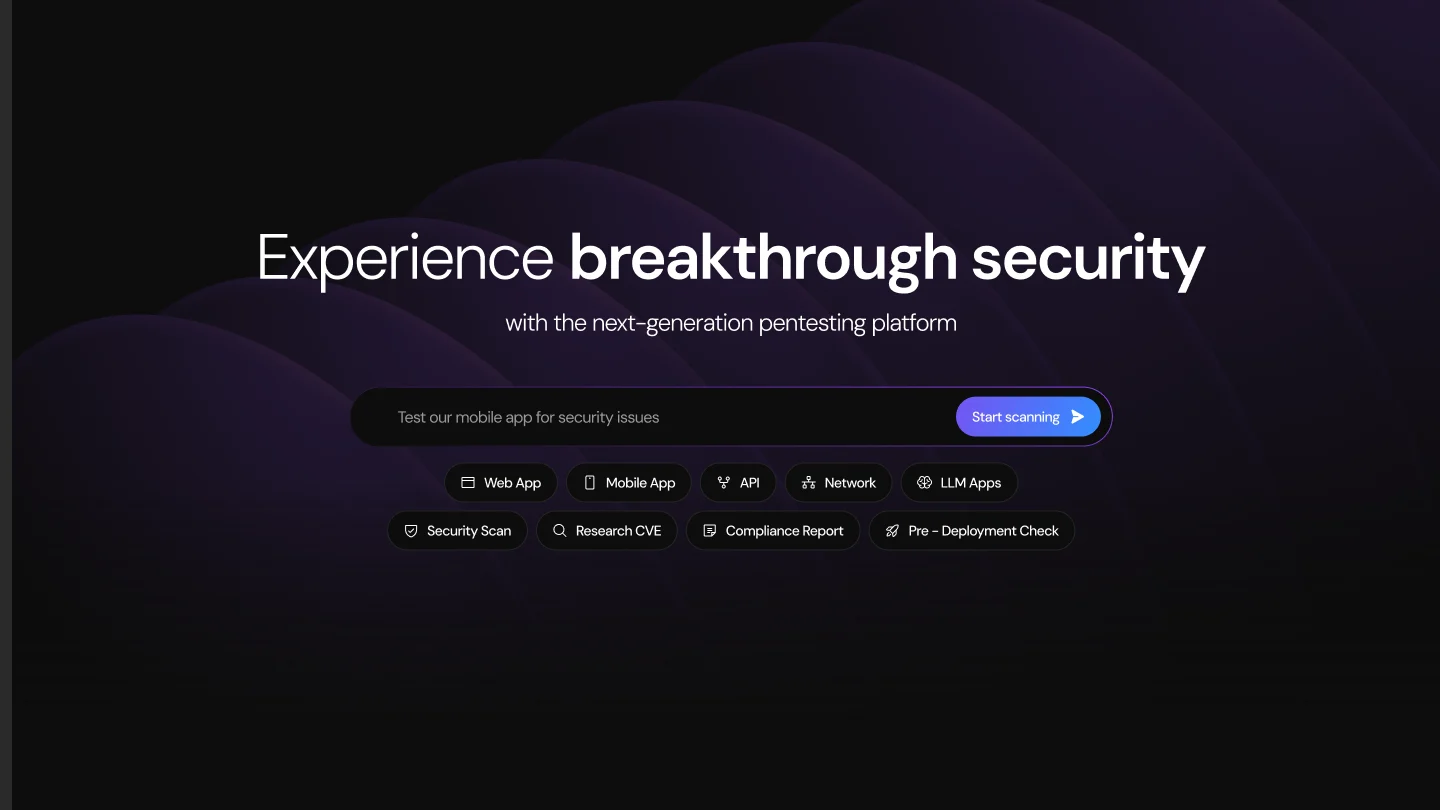
Redesigned homepage: Experience breakthrough security, with a prompt and quick test types
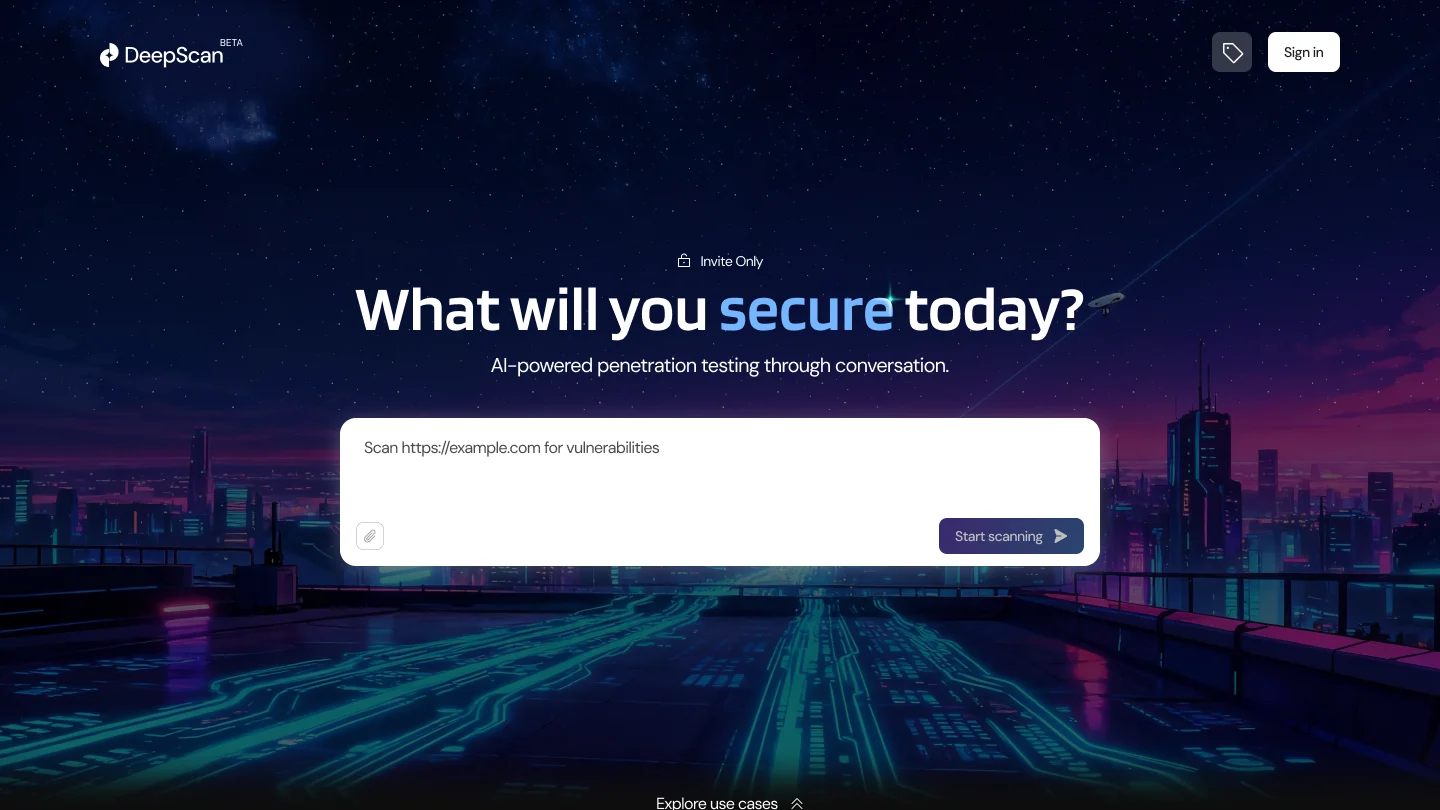
First version of the homepage: What will you secure today? over a neon city at night
First versionRedesigned

Drag to compare. Both versions were designed during this engagement; the redesign moved from a cinematic city to a calmer, product-first hero with test types right under the prompt.

The redesigned homepage, desktop and mobile

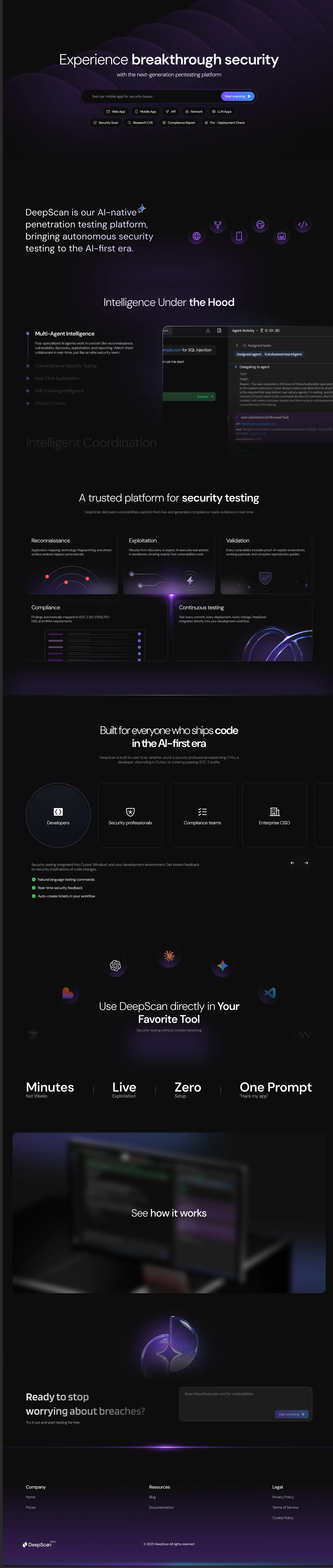
The full redesigned homepage: hero, what DeepScan is, intelligence under the hood, a trusted platform for security testing, built for everyone who ships code, use DeepScan in your favourite tool, see how it works, the final call to action and footer
The same homepage designed for a phone (scroll inside the screen)

The complete homepage at desktop and phone width. Scroll inside either screen.

The website showcased here reflects the version designed during my engagement with DeepScan, which remained live until April. The company has since introduced a new website while continuing to use the brand identity developed during this project.

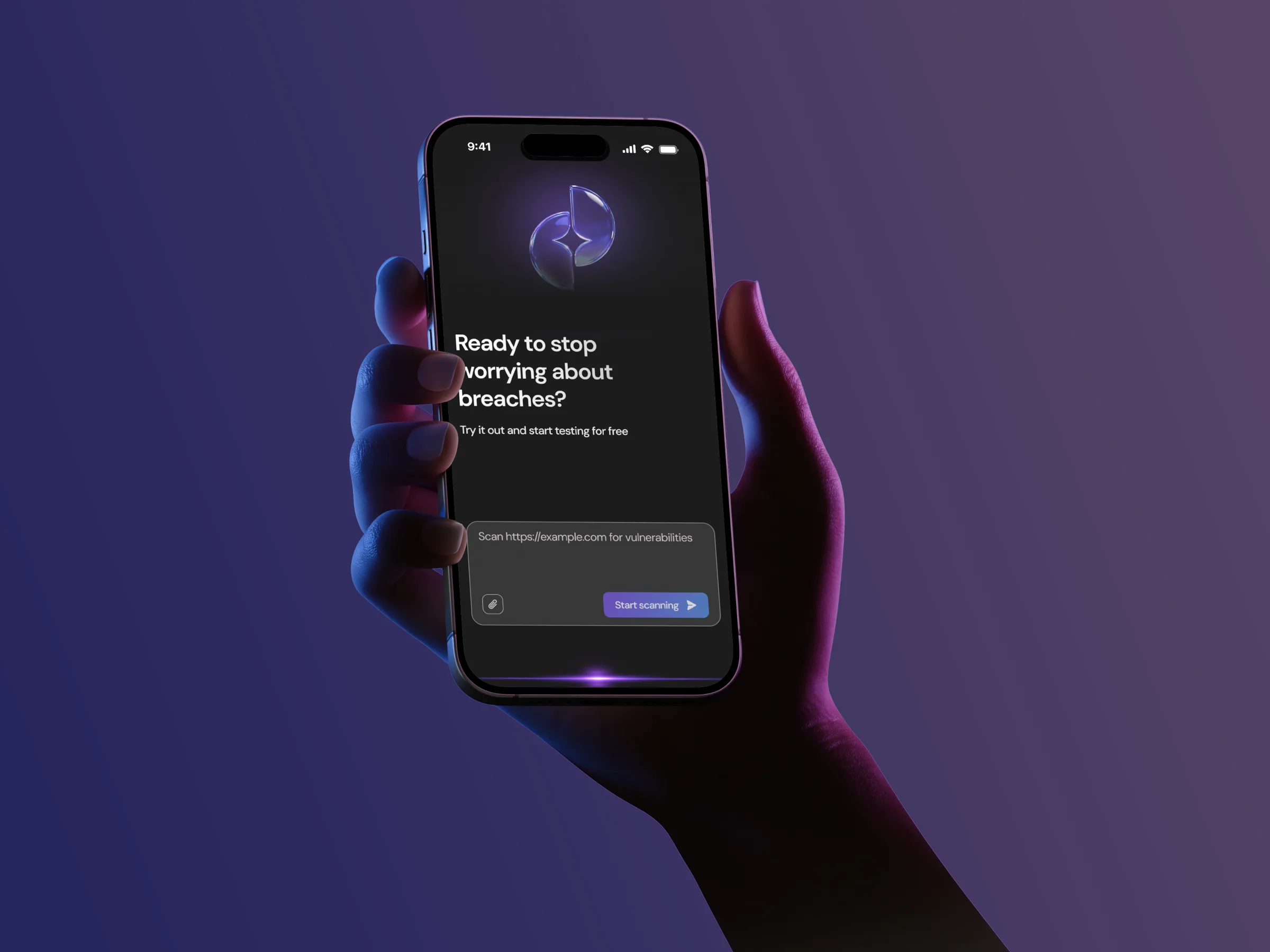
A hand holding an iPhone showing DeepScan: Ready to stop worrying about breaches?

A mark that sees first

DeepScan needed to look trustworthy rather than threatening. Four directions were explored before choosing the final identity, which the company still uses.

The chosen DeepScan logo: a split-circle mark with a four-point star, and the DeepScan wordmark
The chosen DeepScan mark rendered as violet glass

Four directions explored; the first became the logo

  • 1Direction 1: Split circle with a star
  • 2Direction 2: Half circle with a green star
  • 3Direction 3: Framed star
  • 4Direction 4: D with a star

Type: Blinker for the wordmark, DM Sans across the product and website. Colour: near-black surfaces with a single violet-to-blue gradient, and bright signal colours kept for severity.

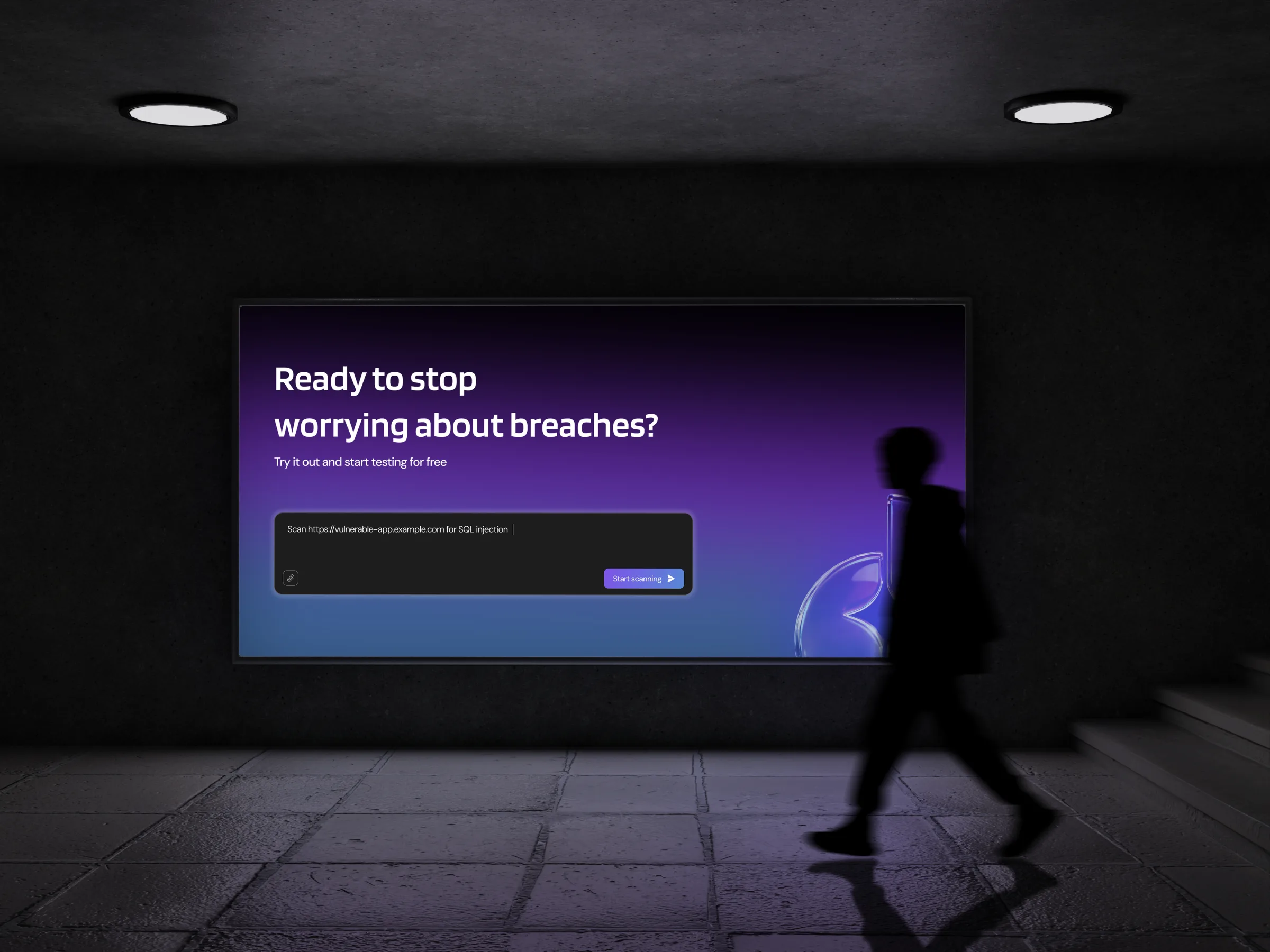
A subway billboard reading Ready to stop worrying about breaches? with a person walking past

What shipped

A complete ecosystem in two months. Usage data isn’t shown here, so this sticks to what was delivered.

  • Dashboard

    Conversational testing, findings, browser sessions, projects; desktop and mobile

  • Website

    Designed and live until April

  • Brand identity

    Logo, type and visual language; the logo is still in use

What I’d take forward

Conversation lowers the barrier

Typing a sentence opened security testing to people who’d never run a pentest tool.

Transparency builds trust

Showing the agent’s steps, tools and reasons is what made results believable.

Mobile was strategic

People checked scans in stand-ups and before deploys, so mobile mattered more than we assumed.

In their words

Surya Mettupalli
“Shantanu brought clarity to a highly complex AI security product. He thinks beyond screens, focusing on real users, workflows, and outcomes. His strong ownership, attention to detail, and ability to translate technical ideas into usable experiences made a meaningful impact on DeepScan’s product quality.”
Surya MettupalliFounder & CEO, DeepScan

Get in touch

Choose where to write from. The email opens addressed to me.

shantanunair002@gmail.com